1. Selection
Start with the outcome, not the product
Your customer does not want a fan model number. They want their environment's requirements met and a guarantee that it will work in their application. Fan Constructor starts there.
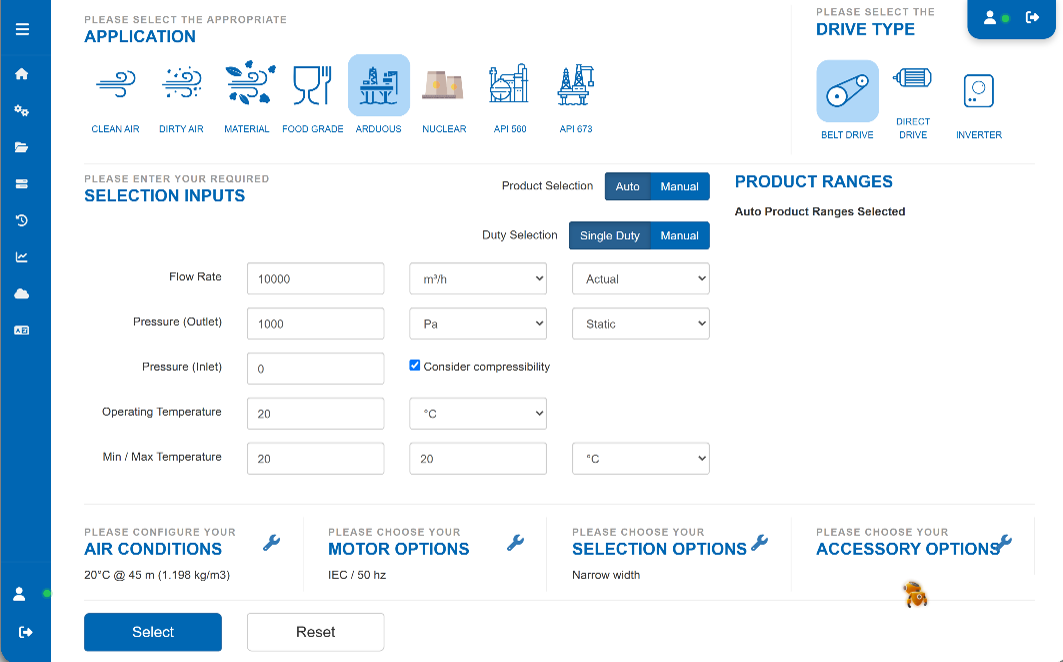
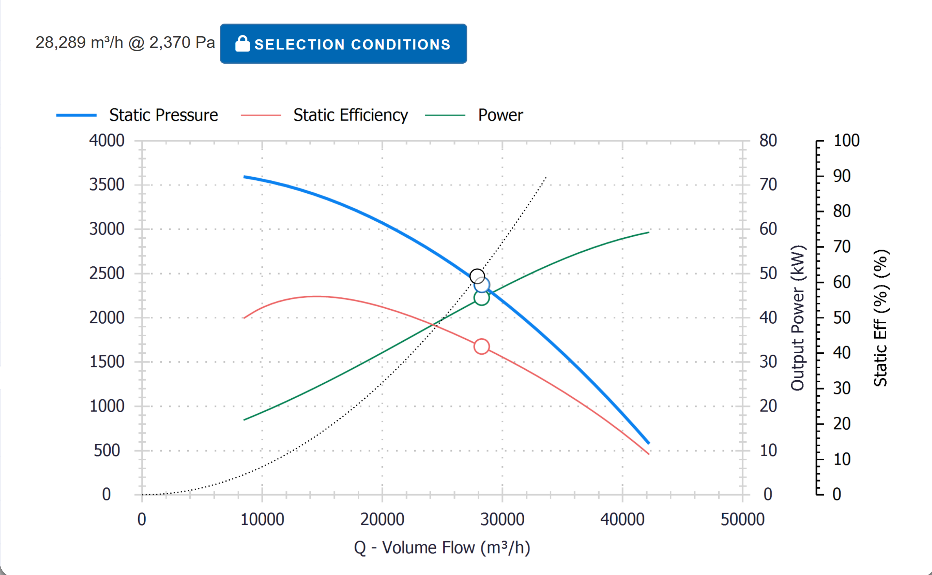
Enter the duty and the operating conditions: volume flow, pressure, temperature, altitude or density, gas or dust laden air, drive arrangement and any speed or noise constraint. The engine works against your own tested fan range and your own performance data, not a generic library, so what comes back is a selection your business can stand behind.
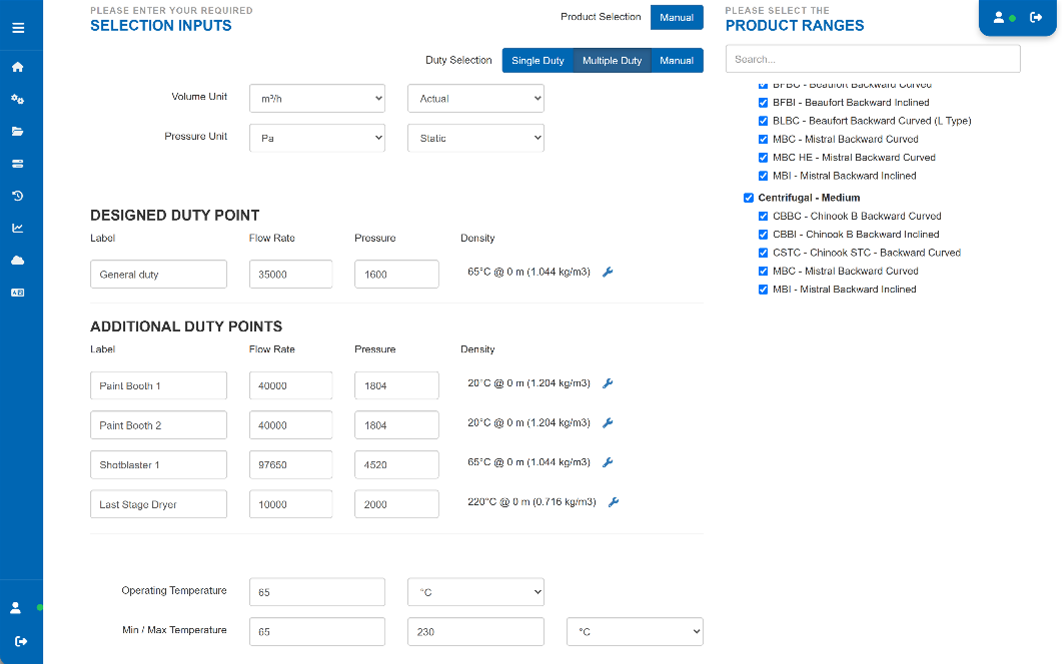
Three ways to select, depending on how the enquiry arrives: automatic selection when you want the engine to find the best fit, manual selection when the customer or the specification has already named a model, and multi duty selection when the fan has to satisfy several operating points across a variable speed range.
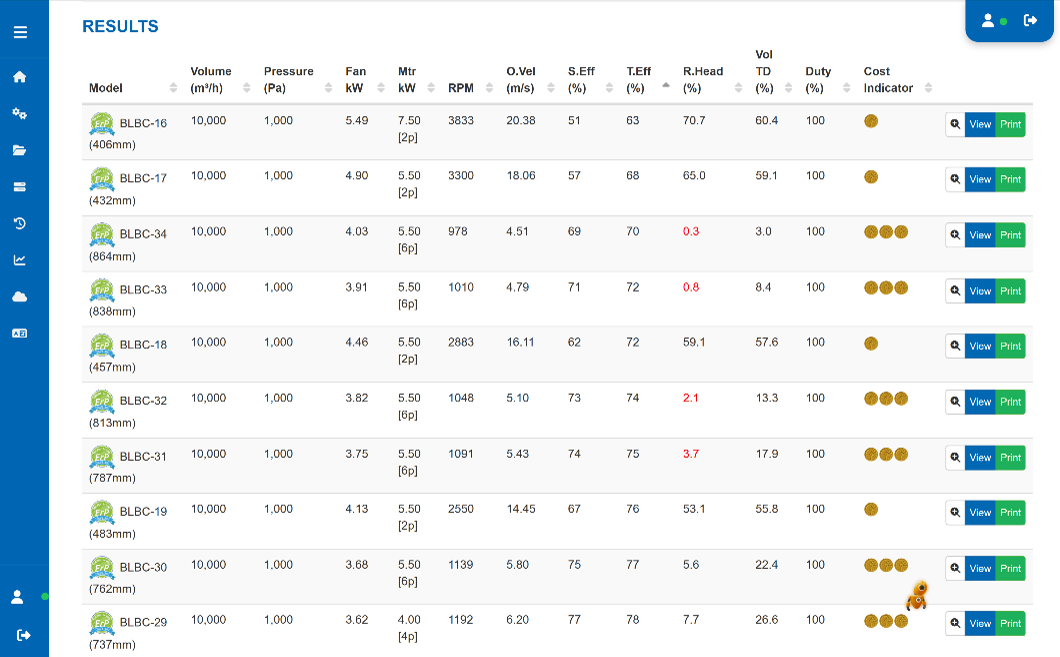
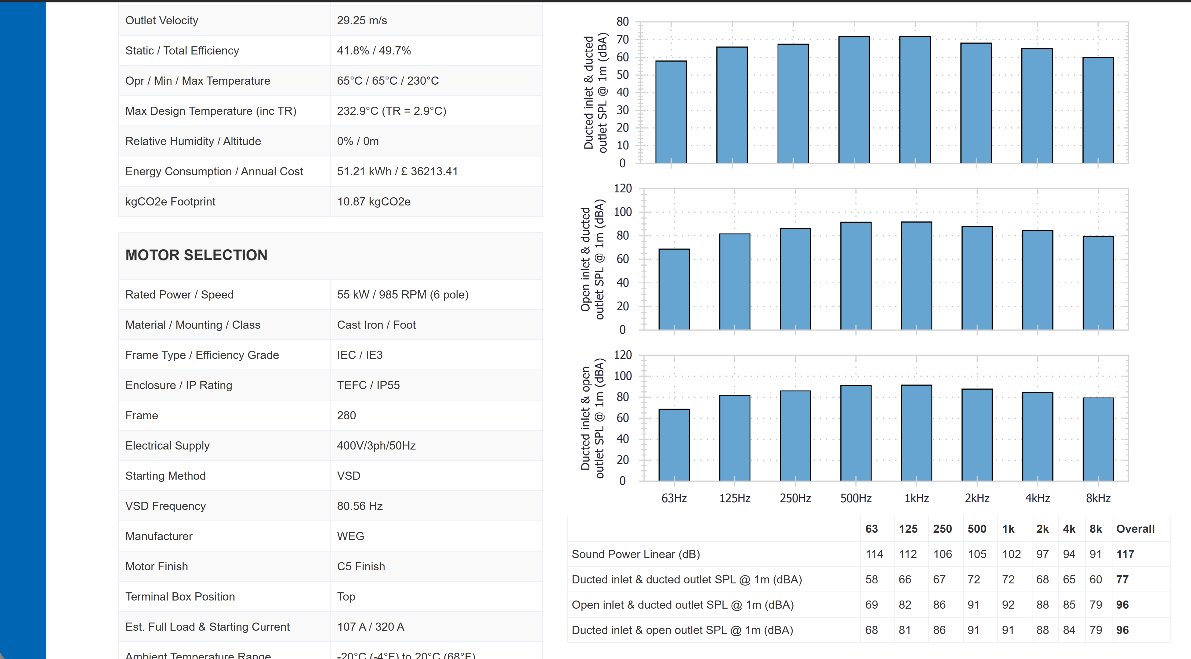
The engine returns a ranked table of every fan in your range that meets the duty, with the numbers a buyer and an engineer both need: absorbed power, static and total efficiency, speed, tip speed, sound power and pressure, and how close each option sits to peak efficiency. Options that break your own limits do not appear. Tip speed ceilings, temperature limits and application rules are enforced by the tool, not by the memory of whoever is on the phone.
- Automatic, manual and multi duty selection in one engine
- Runs on your tested fan curves and your acoustic data
- Density, temperature and altitude corrections applied automatically
- Tip speed and application limits enforced by user level
- Curves, sound data and datasheets generated straight from the selection
2. Configuration
Your manufacturing rules, doing the thinking
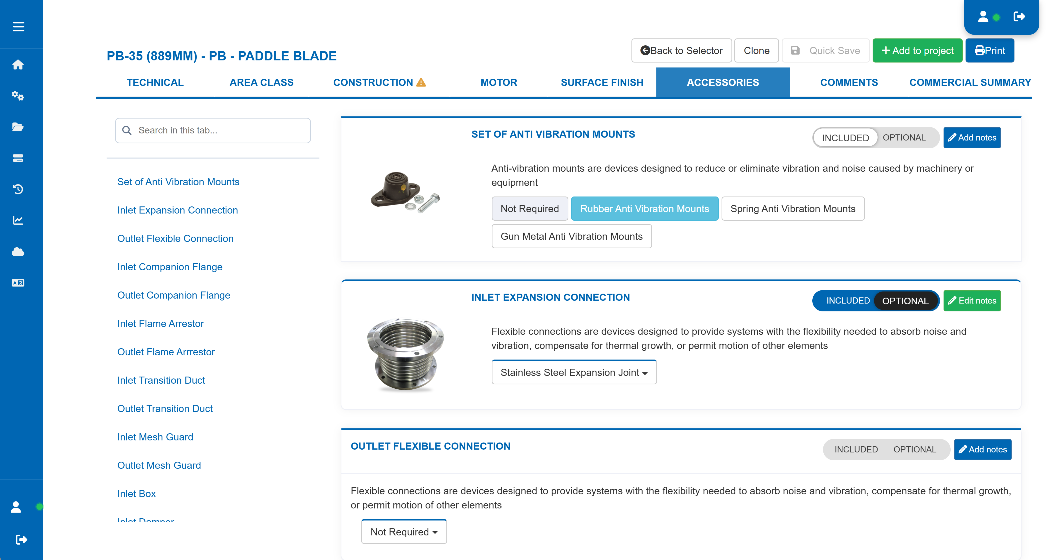
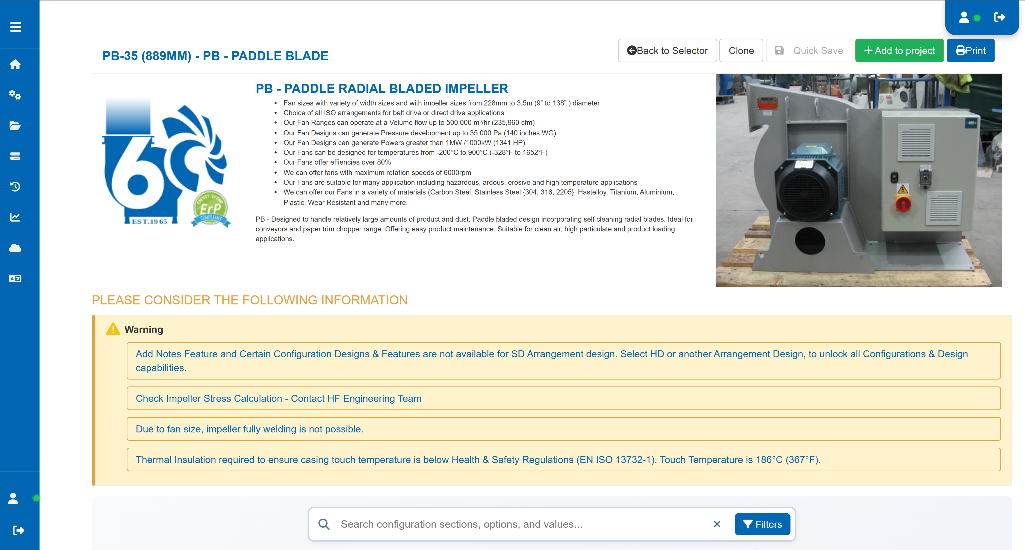
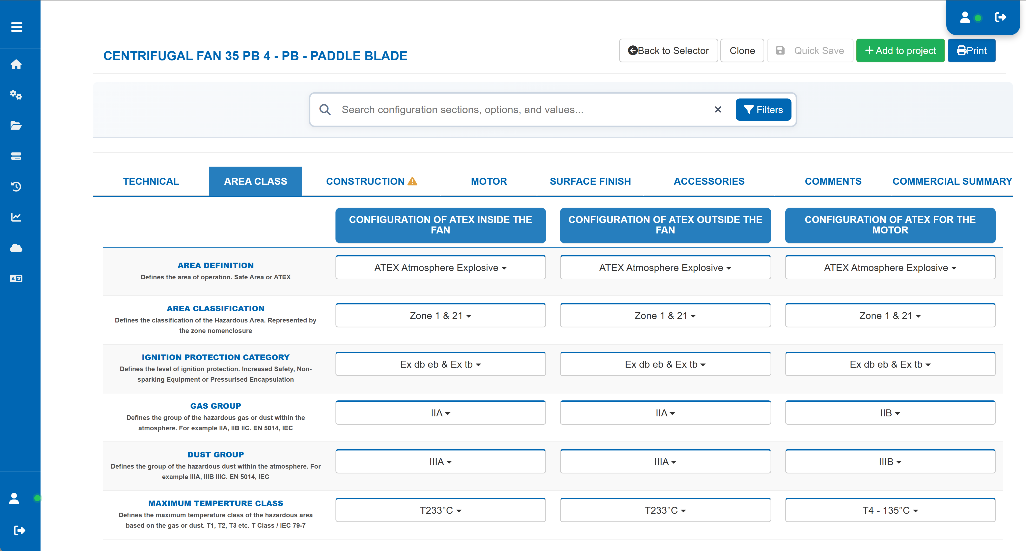
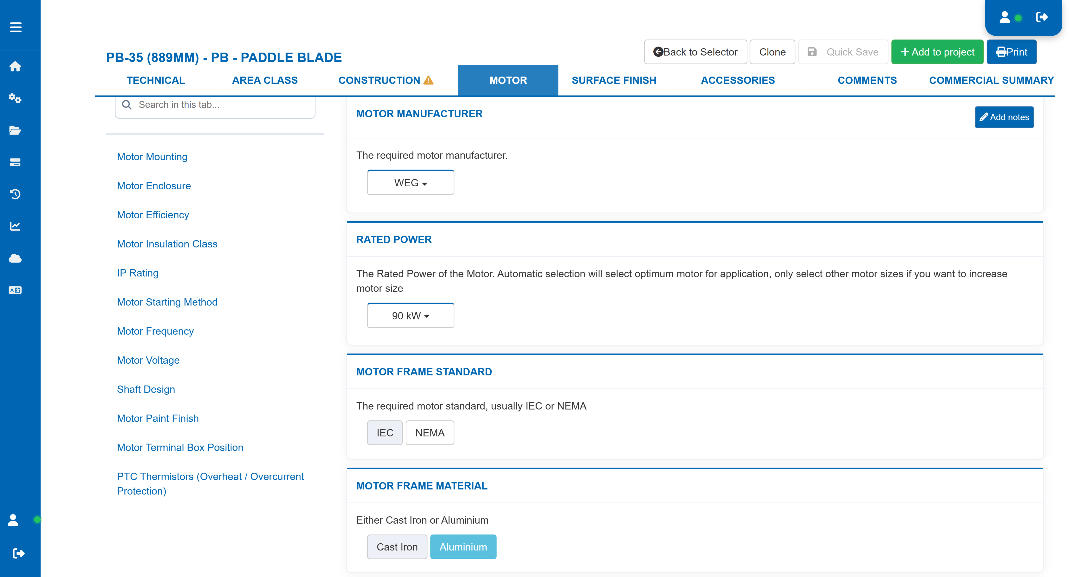
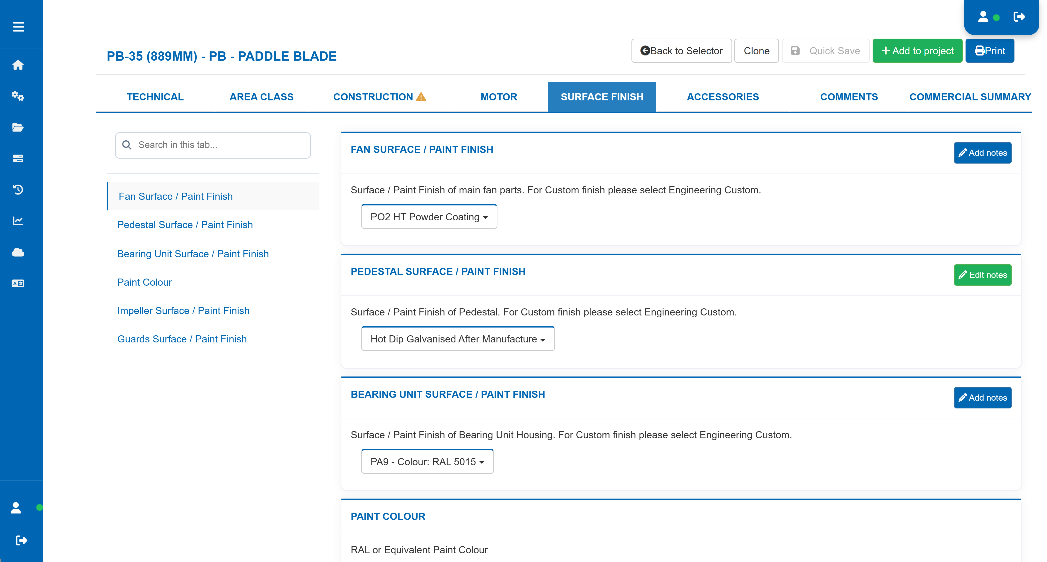
Selection is the easy half. The cost and the risk sit in what happens next: casing material, shaft and bearing choice, coating system, motor and drive package, hazardous area classification, and the dozens of small decisions that quietly decide whether the fan can be built at the price you quoted.
Fan Constructor holds all of that as rules. As the specification builds, the engine defaults everything it can from what has already been chosen, and only asks for the decisions that are genuinely yours to make. Anything defaulted by the rules is shown one way, anything you have chosen is shown another, so at a glance you can see what the engine decided and what a person decided.
The result is the point of the whole platform: you can only configure a fan that your factory can actually build.
Explore the configuration engine →
3. Quotation
Priced as it is configured, not after the event
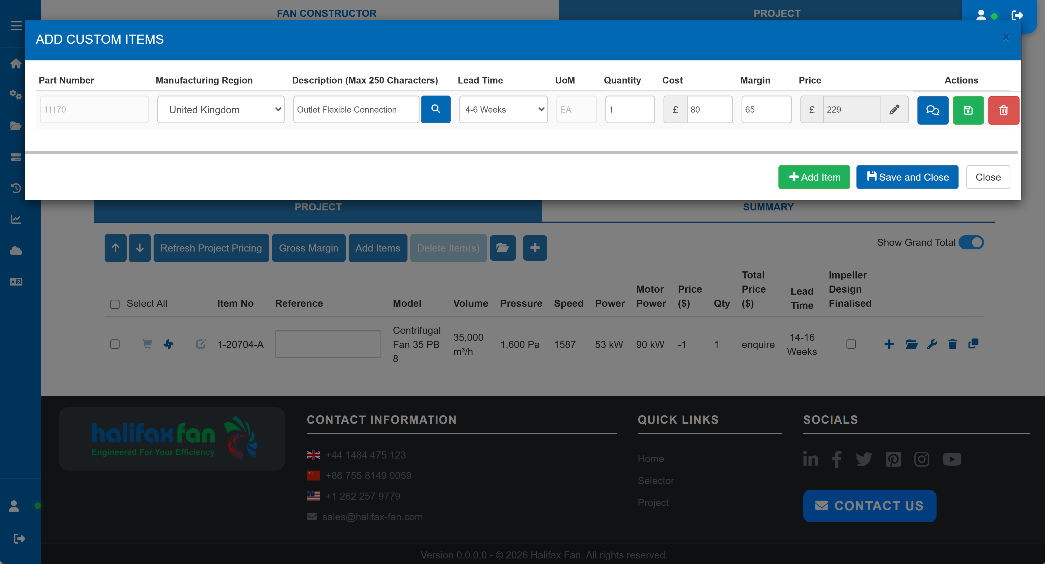
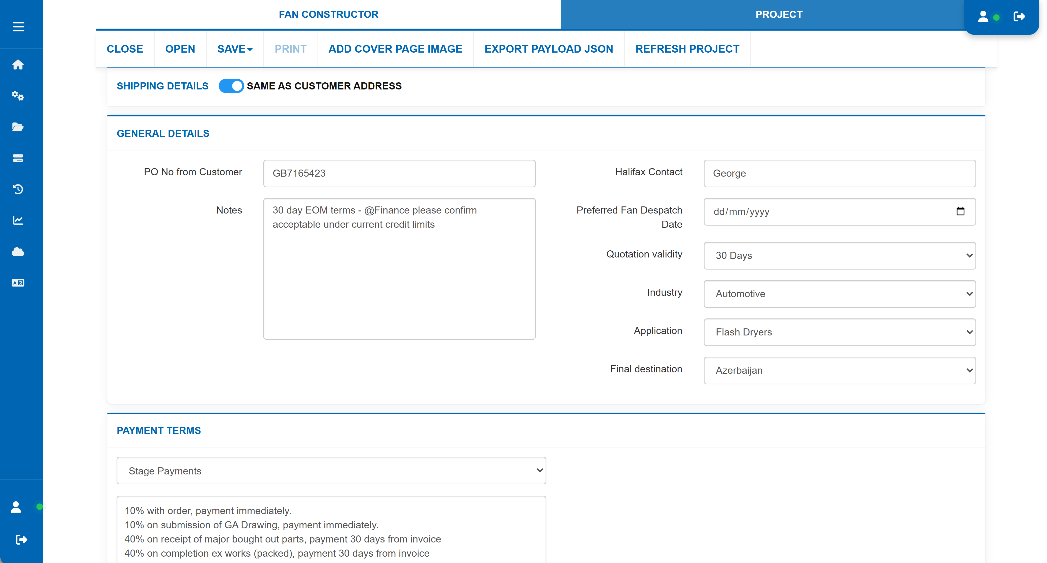
Because the configuration is a real build, the cost is a real cost. Fan Constructor rolls the price up from the bill of materials, the routing and your production model, and handles bespoke and fabricated items through cost expressions rather than a percentage guess. Margin, discount and currency sit on top under your own commercial rules, so the person quoting cannot quietly give away the job.
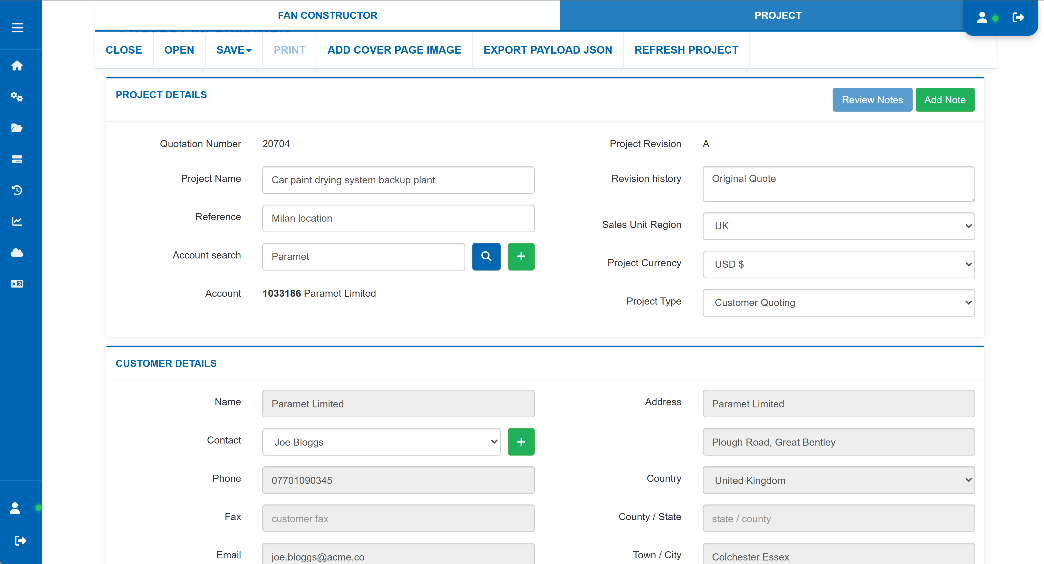
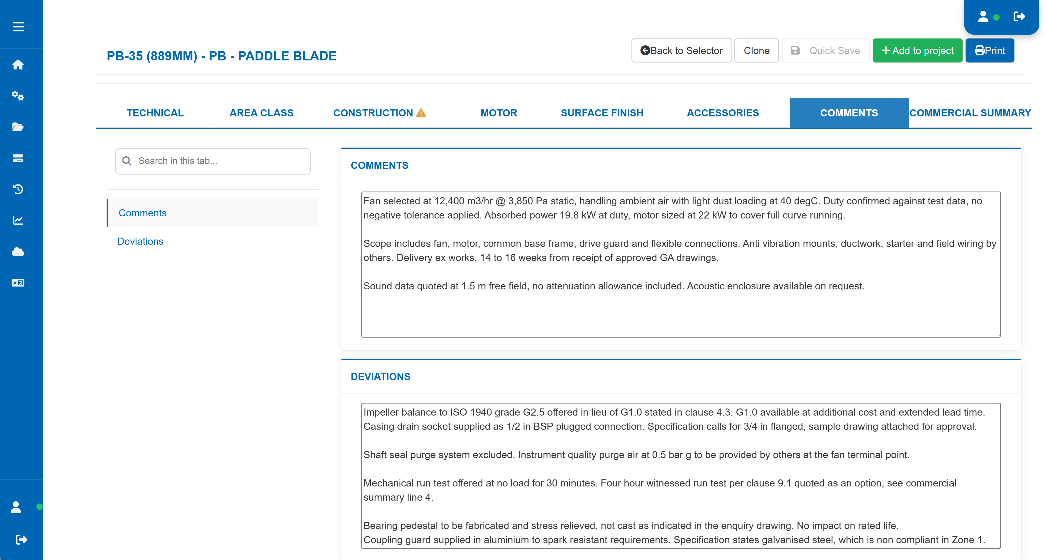
Everything sits in a project. One enquiry can hold multiple fans, multiple options and multiple revisions, with the history preserved so you can see what changed between revision two and revision five and what it did to the price. From there the quotation goes out as a finished document: commercial summary, technical datasheet, performance curve, sound data, dimensional information, deviations and your terms and conditions, in the customer's language.
The same engine can face your customers directly. A registration controlled portal lets them select and configure against your range without seeing pricing, and sends the result back to your sales team as a qualified enquiry with the technical work already done.
- Cost rolled up from bill of materials, routing and production model
- Bespoke items priced through cost expressions, not guesswork
- Margin, discount and currency controlled by user level
- Full quotation pack with curve, acoustics, datasheet and terms
- Multi language output and a customer facing portal without pricing
4. Design automation
A drawing pack that matches what you sold
Winning the order is usually where the delay starts. The specification goes to engineering, someone rebuilds the fan as a model, produces a general arrangement, and the customer waits days or weeks for a drawing that they then want changed.
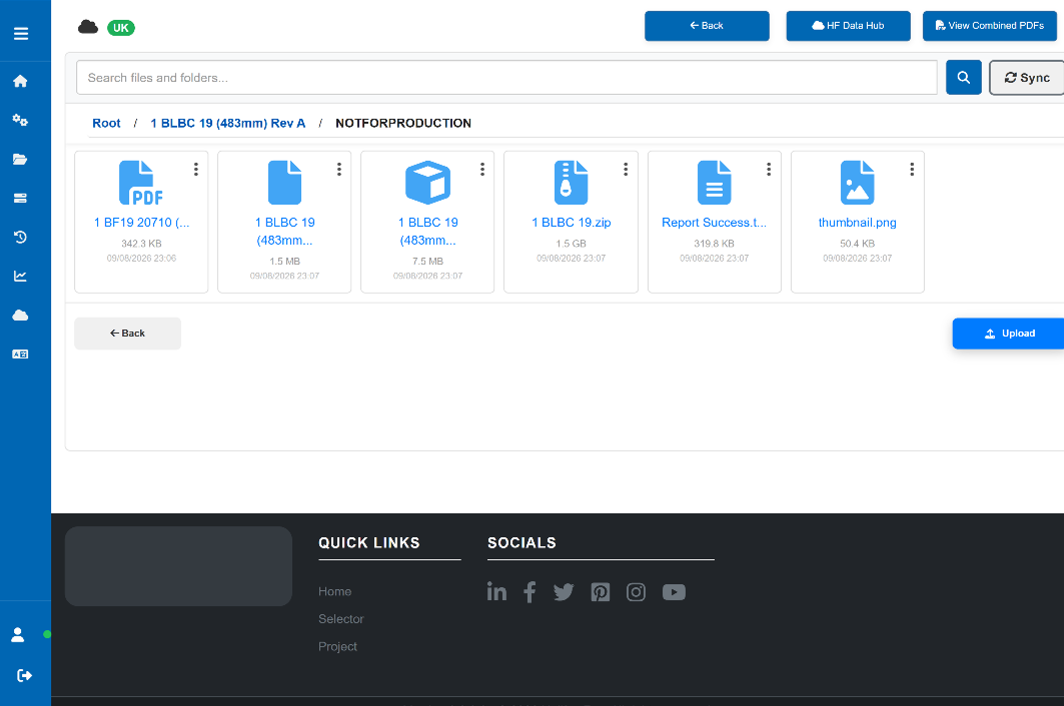
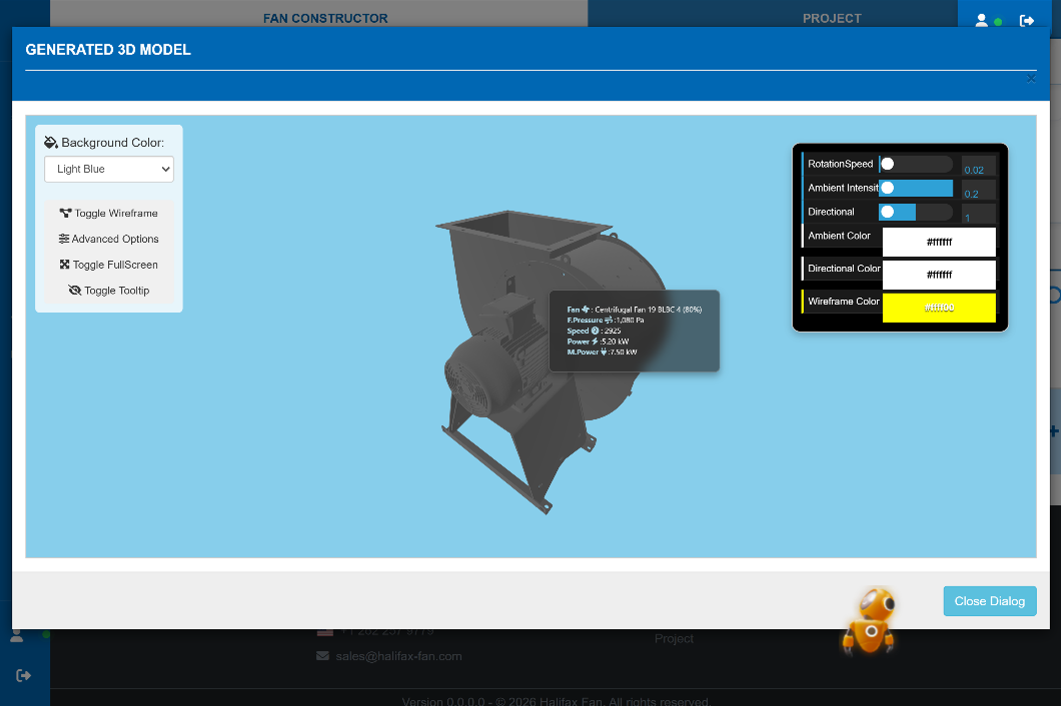
Fan Constructor drives your design environment directly. The configured order and determined bill of materials becomes code that drives a parametric model, STEP and GLB files for each part and a PDF general arrangement pack without an engineer opening a file, in minutes rather than days. The platform is agnostic to the design software you already use, connecting through its interface, so you keep your existing CAD investment, your templates and your drawing standards.
Because the drawings are generated from the same configuration that produced the quotation, the drawing shows exactly what was sold. No transcription, no version drift, no discovering at the review stage that the model and the order do not agree. When a revision comes in, you reconfigure and regenerate rather than redraw.
Drawings are stored in a cloud folder that can be accessed by both your office and your shopfloor. Purchase orders, supplier quotations and other relevant documents can be stored here also.
- Hands off general arrangement pack generated from the configuration
- Works with the design software you already use
- Your title blocks, templates and drawing standards preserved
- Revisions regenerated rather than redrawn
- Engineering time released from repeat work back onto real design
5. Order to cash
The order lands in your ERP, not in somebody's inbox
A won order is normally re-entered by hand: a sales order raised, a bill of materials built, a routing written, long lead items requisitioned, and every one of those keystrokes an opportunity to introduce an error that only shows up on the shop floor.
Fan Constructor releases the configured order straight into your ERP. The sales order, the item level bill of materials, the routing and the purchasing requirements are created from the configuration that was quoted and drawn, so the commercial record, the engineering record and the production record are the same record. The platform integrates with major ERP systems including SAP and Microsoft Dynamics, and can be integrated to your requirements to other ERP platforms.
What that gives your organisation is a genuine order to cash line. Enquiry, selection, configuration, quotation, order, drawings, works order, credit checks, MPS, inter-company purchase orders, purchasing tasks, despatch and invoice, all traceable back to the duty point the customer asked for on day one. Lead times shorten because nothing waits in a queue for manual re-entry. Margin holds because the price came from the build. Errors fall because nobody typed it twice.
- Sales order, bill of materials and routing created automatically
- Integrates with any SAP, Microsoft Dynamics and other ERP and CRM platforms
- One version of the truth from enquiry through to invoice
- Shorter lead times and fewer production errors from re-keyed data